 Crystal
Your group chat
deserves a real home.
Crystal is where your friends hang out between game nights: chat, voice, DMs and statuses that actually say what everyone’s up to.




Your friends are probably already here.
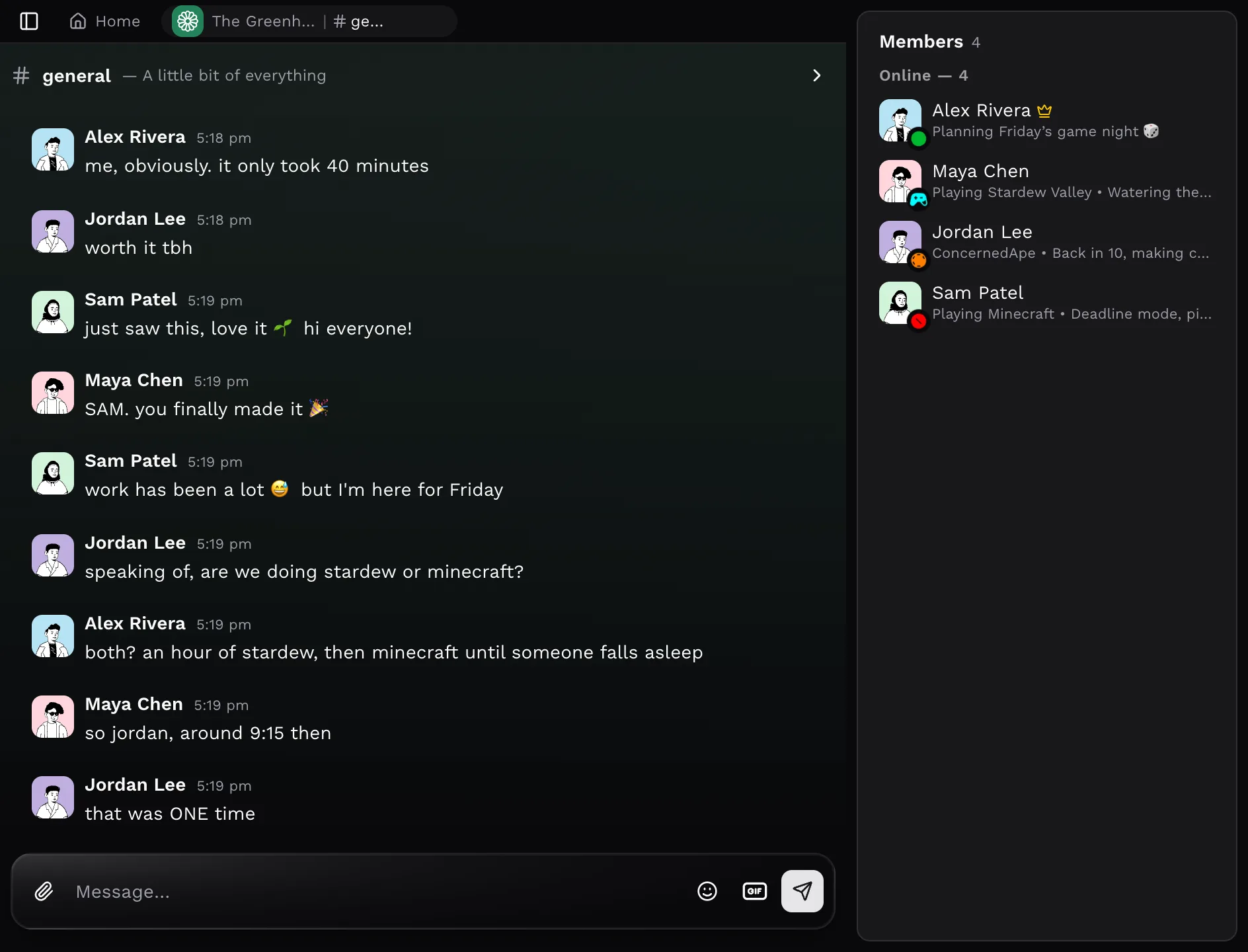
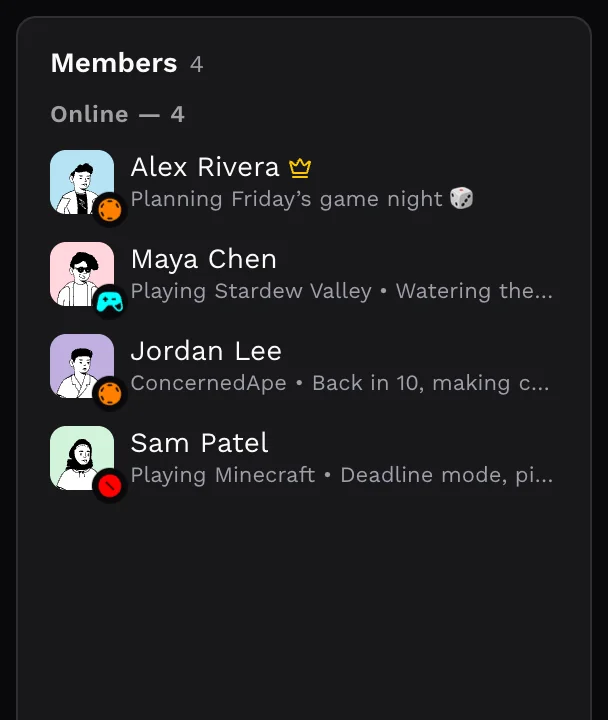
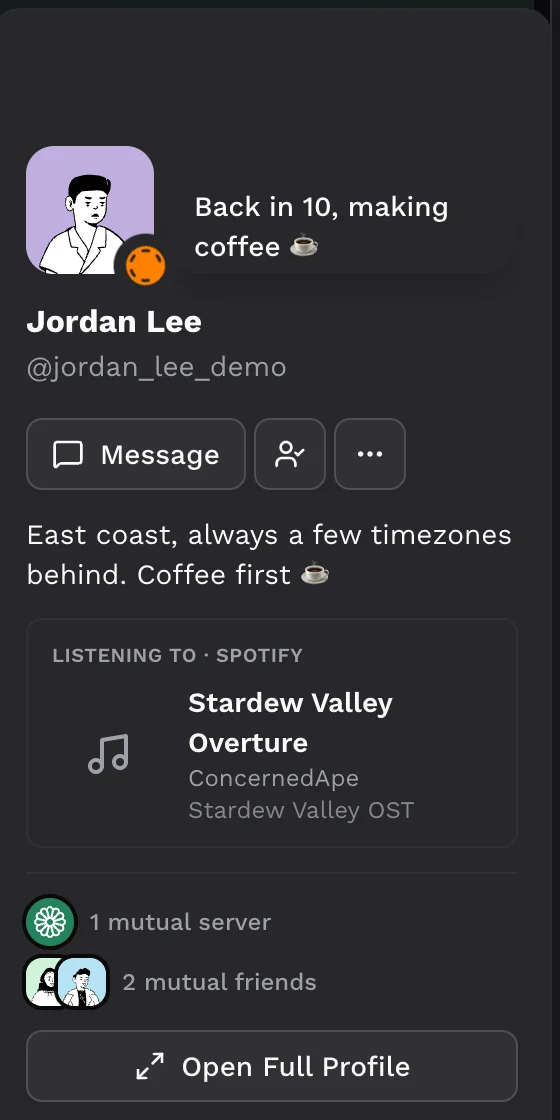 Maya is playing Stardew Valley
- 🎲 Planning Friday’s game night
- 🌱 Watering the crops
- ☕ Back in 10, making coffee
- 🎧 Stardew Valley Overture
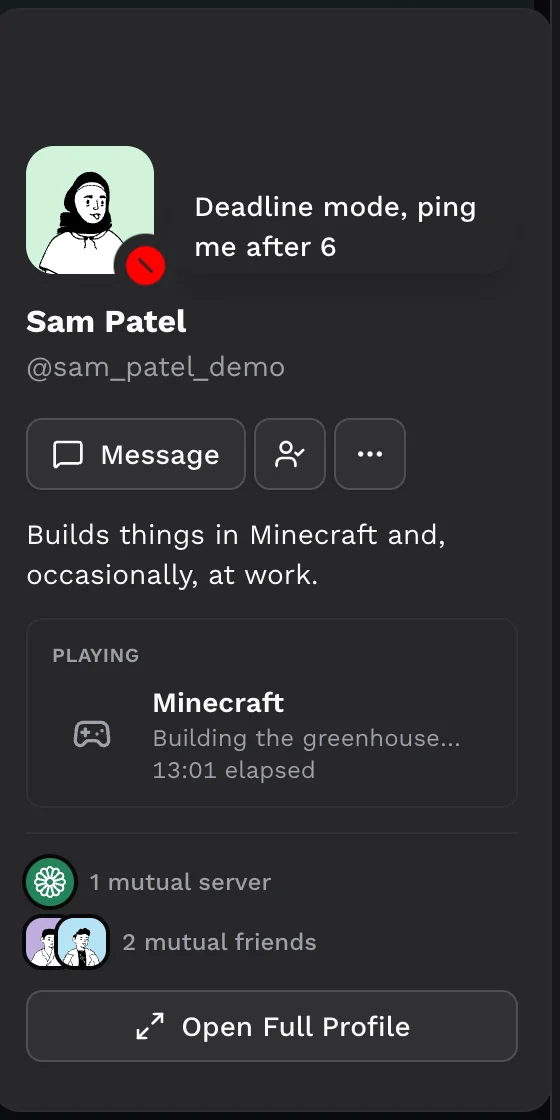
- 🔨 Building the greenhouse roof
- 🍿 Spirited Away at 10?
- 🌙 Deadline mode, ping me after 6
- 🐟 Not talking about the fish
Four friends, one farm, too many fish.
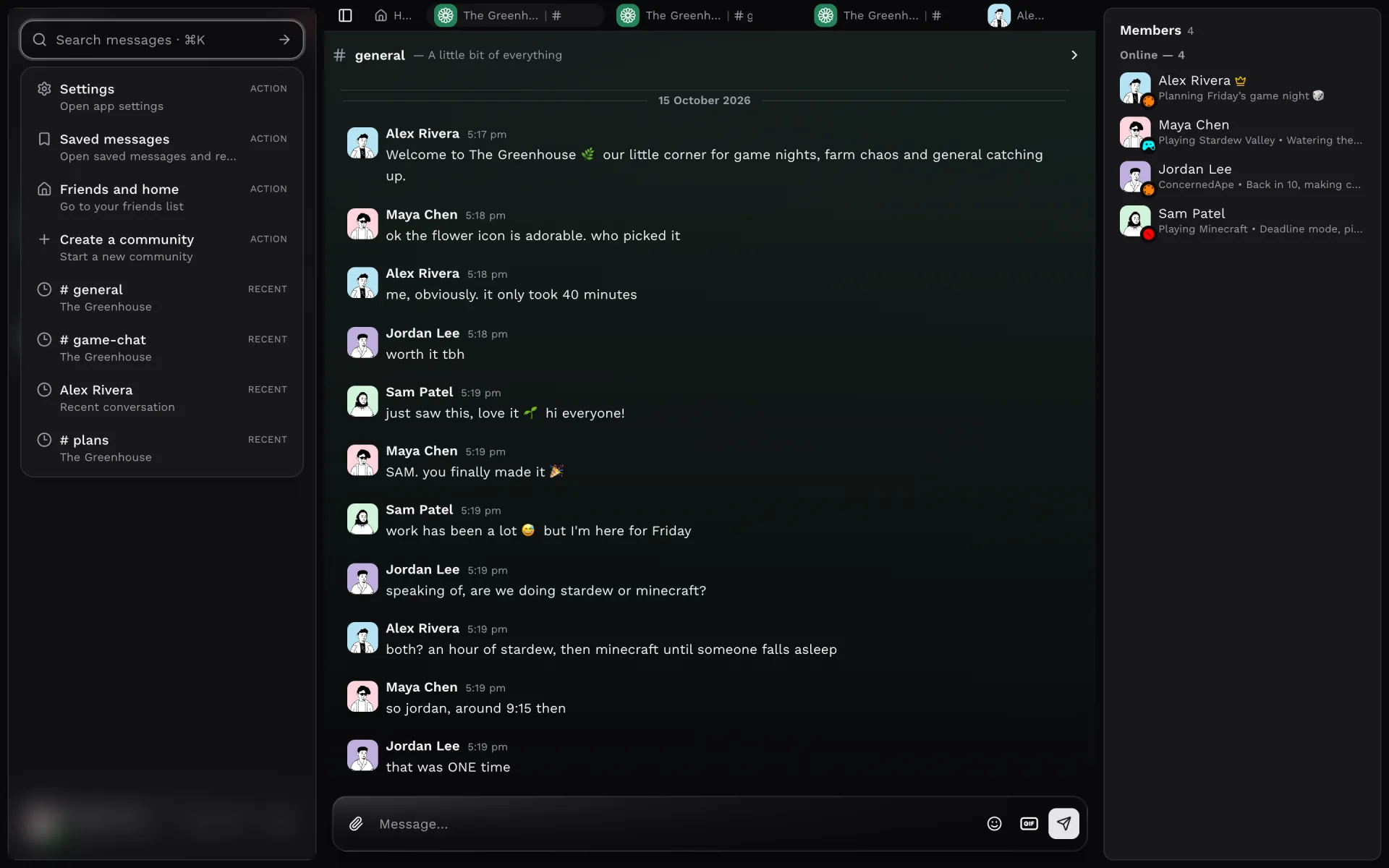
Every community gets text channels for the chatter, voice channels for the late nights and a members list that shows who’s around. Set it up in a minute, tidy it up whenever.
- Channels and categories, sorted how you like
- Roles and permissions when the group grows
- Invite-only, or open to anyone who finds you
 The Greenhouse/# game-chat
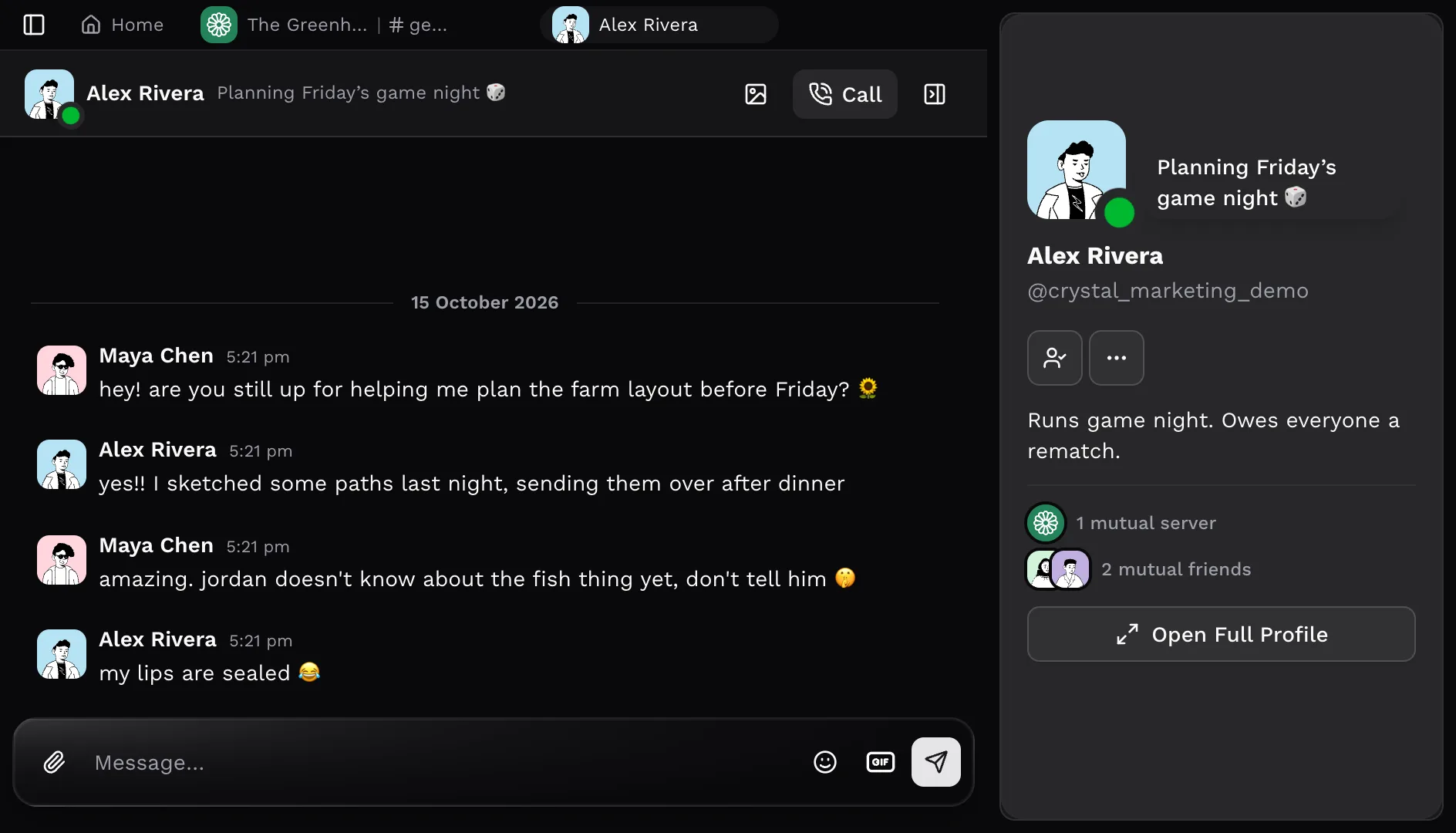
DMs for the side quests.
Plan the surprise, share the cursed screenshot, or call when it’s quicker than typing. The fish thing stays between you two.
See what everyone’s up to.
Set a status in a speech bubble (or a thought one, for the things you’re only thinking). Crystal’s desktop app can show the game you’re in or the song you’re playing, so “want to join?” gets easy.
And the small stuff that makes it feel like yours.
Voice, one click away
Drop into a voice channel when typing gets slow. Leave when dinner’s ready.
Find anything with ⌘K
Jump to a channel, a friend or that one message from last Tuesday.
Dress up your profile
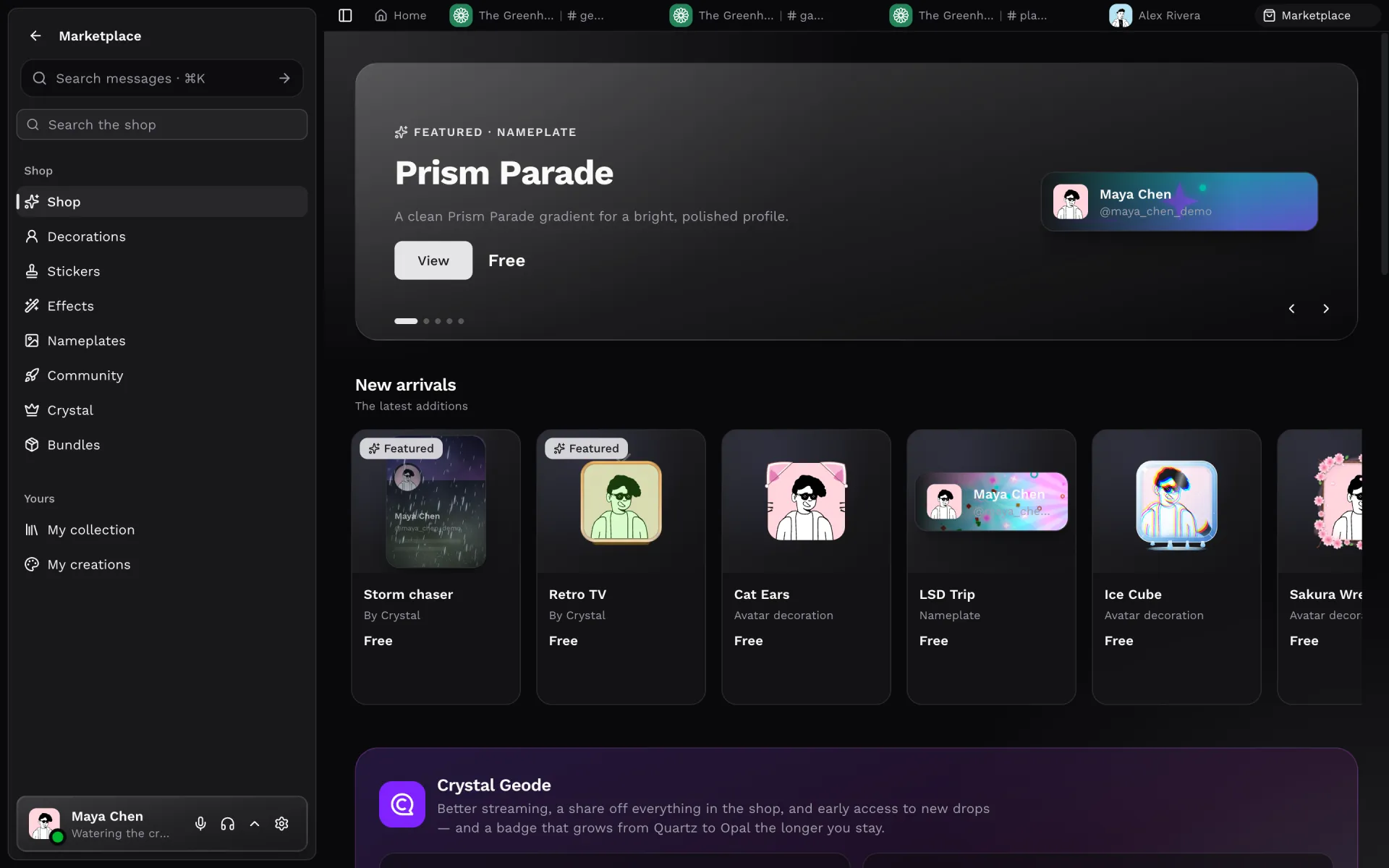
Avatar decorations, nameplates and effects from the shop. Plenty of them free.
Find a new crowd
Browse public communities by interest, or keep yours invite-only.
Locked before it leaves your device.
Messages in your DMs and communities are end-to-end encrypted. Crystal’s servers pass them along without being able to read them. You keep a recovery key, so a new laptop doesn’t mean losing your history.
Build the bot your group keeps joking about.
Crystal Studio has the SDK, the API reference and examples in one place, plus somewhere to try your bot or extension before anyone else sees it.
Open Studioimport { Client, Events } from "@crystal/bot";
const client = new Client();
// Someone mentioned the fish again.
client.on(Events.MessageCreate, async (message) => {
if (message.fromBot) return;
if (message.content.includes("fish")) {
await message.react("🐟");
}
});Bring your people.
Start in the browser, invite your friends, grab the desktop app when you want the extras.